The client document portal that checks every upload
Send one secure link. DocAsker checks each upload the moment it arrives, asks your client to fix blurry, expired or unsigned files on the spot, and follows up until the checklist is complete.

Q1 bookkeeping
4 documents requested
Nova Logistics
Bank statements, Jan to Mar
Bank statement accepted
Covers January 1 to March 31. Account holder matches Nova Logistics.
- 14-day free trial, no card required
- Clients never need an account
What is DocAsker?
DocAsker is client document collection software for accounting firms, immigration consultants, law firms and agencies. Instead of chasing files over email, you send each client one secure link with a checklist of what you need. Clients upload from their phone or computer without creating an account.
Every file is checked by AI as it arrives. DocAsker reads the document, confirms it is the one you asked for, and looks for the problems that usually cost a second request: blur, glare, cut-off pages, missing signatures, the wrong period or an expired ID. When something is wrong, the client is asked to fix it right away, before the file reaches your team.
Accepted files are renamed and filed to your folder, and reminders stop by themselves once the checklist is complete.
- Built for
- Accountants, immigration consultants, law firms, agencies and HR teams
- Your client needs
- The link. No account, password or app
- Checked on upload
- Image quality, document type, dates, signatures and missing pages
- Files go to
- Your DocAsker workspace, Google Drive, Dropbox or OneDrive


How to collect documents from clients with DocAsker
Four steps. After the second one, DocAsker does the work.
- 1
Choose what you need
Start from a checklist for tax returns, visa applications, KYC or client onboarding, or write your own. Add a short instruction and an example to each item.
- 2
Send one link
DocAsker emails or texts the link to your client. It opens on any phone or computer, with nothing to sign up for.
- 3
Every upload is checked
Each file is checked as it lands. If a page is blurry or a signature is missing, your client sees why and fixes it on the spot.
- 4
Reminders run until it's done
Reminders go out on your schedule, list only what is still missing, and stop when the last item is accepted.

What DocAsker checks in every client upload
Most document requests go back and forth for the same few reasons. DocAsker looks for each of them on upload, explains the problem to your client in plain words and asks for a better file.
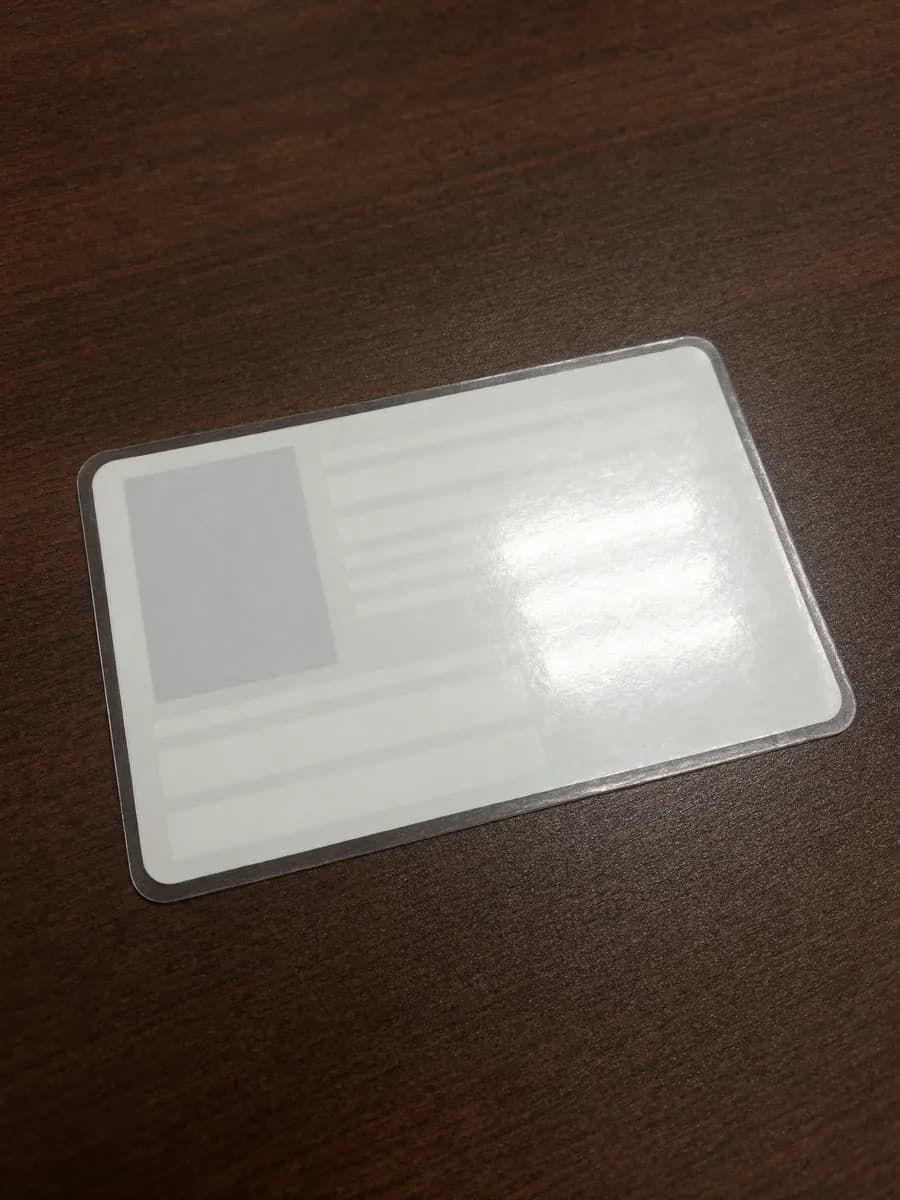
What your client sees
Retake requestedGlare hides part of the card. Tilt it away from the light and take the photo again.
Document collection for accountants, law firms, HR teams and visa consultants
Start from a ready-made checklist, then shape it to the way your firm works.

Accounting and bookkeeping
Collect bank statements, receipts, payroll reports and signed engagement letters every month or at year end, without writing a single reminder email.
Typical items
- Bank statements for the period
- Signed engagement letter
- Last year's tax return
Automatic reminders for missing client documents
DocAsker follows up on your behalf and goes quiet the moment everything is in. Your clients only hear from you when there is something for them to do.
How client files are protected
Encrypted
Files are encrypted in transit and at rest.
Links you control
Set an expiry date or revoke a link at any time.
A full record
Every upload, check and download is logged.
A typical request
- Day 0
Request sent
Your client gets one link with the whole checklist.
- Day 2
First reminder
It lists only the two items still missing.
- Day 3
A retake, handled
A blurry passport photo goes straight back to the client with the reason.
- Day 4
Checklist complete
Reminders stop. Files are renamed and filed to your folder.
DocAsker vs email, shared folders and client portals
Email and shared folders cost nothing until you count the follow-ups. Checklist portals organise the request, but someone still has to open every file to see if it can be used.
| Feature | DocAsker | Checklist portals | Email and shared drives |
|---|---|---|---|
| Checks what is inside each file | On upload | Manual review | Manual review |
| Asks the client to fix a bad file | Right away, with the reason | After someone reviews it | When you notice |
| Client needs an account | No | Usually no | No |
| Automatic reminders | Stop when items are accepted | Yes | No |
| Files renamed and filed | Yes | Varies | No |
Checklist portals include tools such as Content Snare, Clustdoc and FileInvite.
DocAsker pricing: plans from $39 a month
Every plan checks every upload with AI. Pay monthly and cancel any time.
Starter
For independent accountants and consultants.
$39per month
- 25 active requests
- AI checks on every upload
- Email reminders
- Ready-made checklists
Pro
Most popularFor growing firms with a steady flow of clients.
$79per month
- 100 active requests
- Email and SMS reminders
- Your logo and colours
- Google Drive, Dropbox and OneDrive
Firm
For teams that need control and volume.
$149per month
- Unlimited requests
- Team seats and permissions
- Custom checks for your documents
- Audit log export
14-day free trial on every plan. No card required.
Frequently asked questions
Can't find what you need? Email us
What is client document collection software?
Client document collection software gives each client a secure place to upload the documents you request, tracks what is still missing and sends reminders. DocAsker adds an AI check to every upload, so files that are blurry, incomplete, unsigned or out of date are caught before they reach your team.
How does DocAsker check documents?
When a client uploads a file, DocAsker reads it and compares it with the checklist item. It looks at image quality, the type of document, dates and periods, signatures and page count. If something does not match, the client sees a plain explanation and can upload a better file straight away.
Do my clients need to create an account?
No. Each client gets a private link that opens on any phone or computer. They can take photos with their phone camera or upload files, and come back to the same link later to finish.
Which file types can clients upload?
Clients can upload PDF, JPG, PNG, HEIC, Word and Excel files. Photos taken on a phone are converted to PDF so every document in a request has the same format.
How do reminders work?
You choose how often DocAsker follows up and whether it uses email or SMS. Each reminder lists only the items that are still missing or waiting for a retake, and reminders stop automatically when the checklist is complete.
Is DocAsker secure?
Files are encrypted in transit and at rest, links can expire or be revoked at any time, and every upload, check and download is logged. You decide how long files are kept.
Is DocAsker an alternative to Content Snare or Clustdoc?
Yes. Like Content Snare and Clustdoc, DocAsker sends clients a checklist and collects their files. The difference is that DocAsker checks each file when it is uploaded, so you are not the one discovering a blurry scan or a missing page days later.
Can I use my own checklists?
Yes. Start from a template or build your own list, add instructions and an example for each item, and choose which checks apply, such as a required date range or a signature.

Send your first document request today
Set up a checklist in a few minutes and let DocAsker handle the follow-up.